Voice Cloning for YouTubers — Narrate Videos Even When You Can't Record
Turn any script into narration with your own voice, processed entirely on your Mac. Paste your text, generate the audio, and drop it straight into your timeline — no studio booking needed.

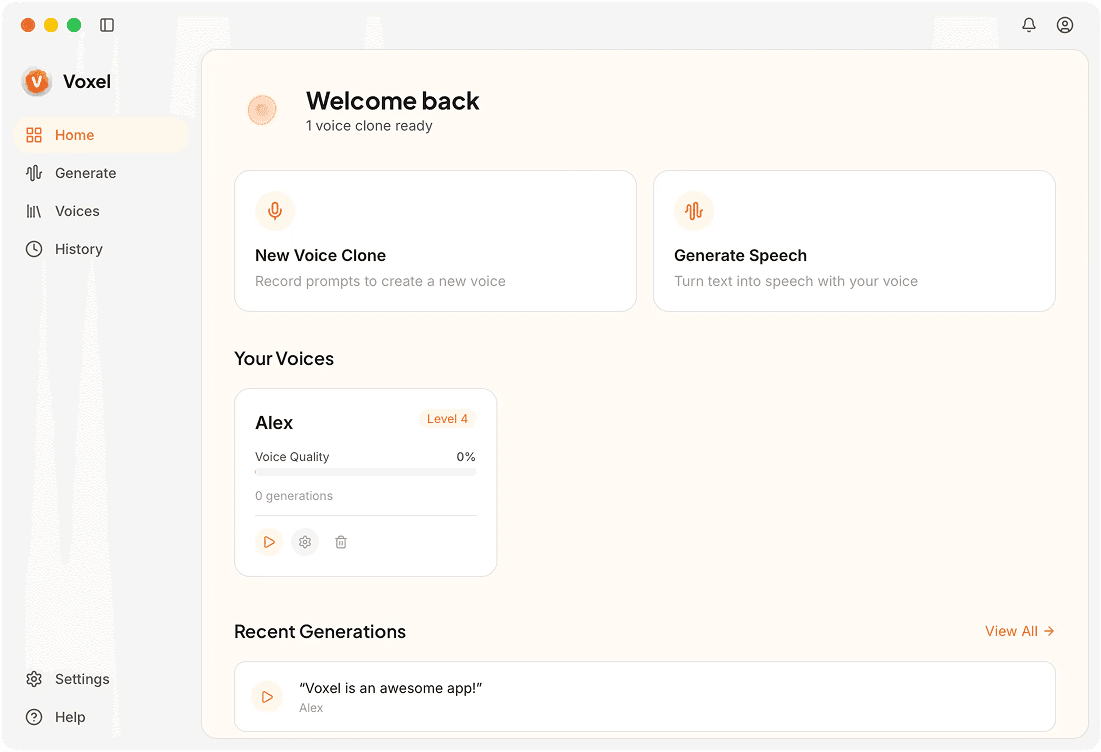
Features YouTube Creators Actually Use
Full-Length Video Narration
Generate voiceover for 10-minute explainers or 30-minute deep dives without sitting through a full recording session.
Dub Your Channel Into New Languages
Grow your international subscriber base by producing dubbed versions of your videos in up to 10 supported languages with your own voice.
Seamless Timeline Integration
Export WAV or MP3 files that drop straight into Premiere Pro, Final Cut, DaVinci Resolve, or any video editor you already use.
Iterate on Scripts Without Re-Recording
Need to change a line, fix a mispronunciation, or update a stat? Regenerate just that section instead of re-recording the entire voiceover.
Why YouTubers Use Voxel
Publish on Schedule
A voice clone that's always available means illness, travel, or noisy environments don't delay your uploads anymore.
Grow Your Global Audience
Multilingual voiceover helps you tap into non-English markets without hiring voice talent for every language.
Protect Your Voice Identity
Your voice data never gets uploaded anywhere. Your model stays on your Mac, not on a server where it could be accessed by others.
Frequently Asked Questions
Keep Your Upload Schedule on Track
Clone your voice locally and generate narration for every video — no studio sessions required.
Download Voxel Free