Text to Speech for Podcasts — Convert Scripts Into Podcast-Ready Audio
Turn written scripts into spoken audio using a clone of your own voice — not a generic TTS voice. Repurpose blog posts, newsletters, and articles into episodes without extra recording time.

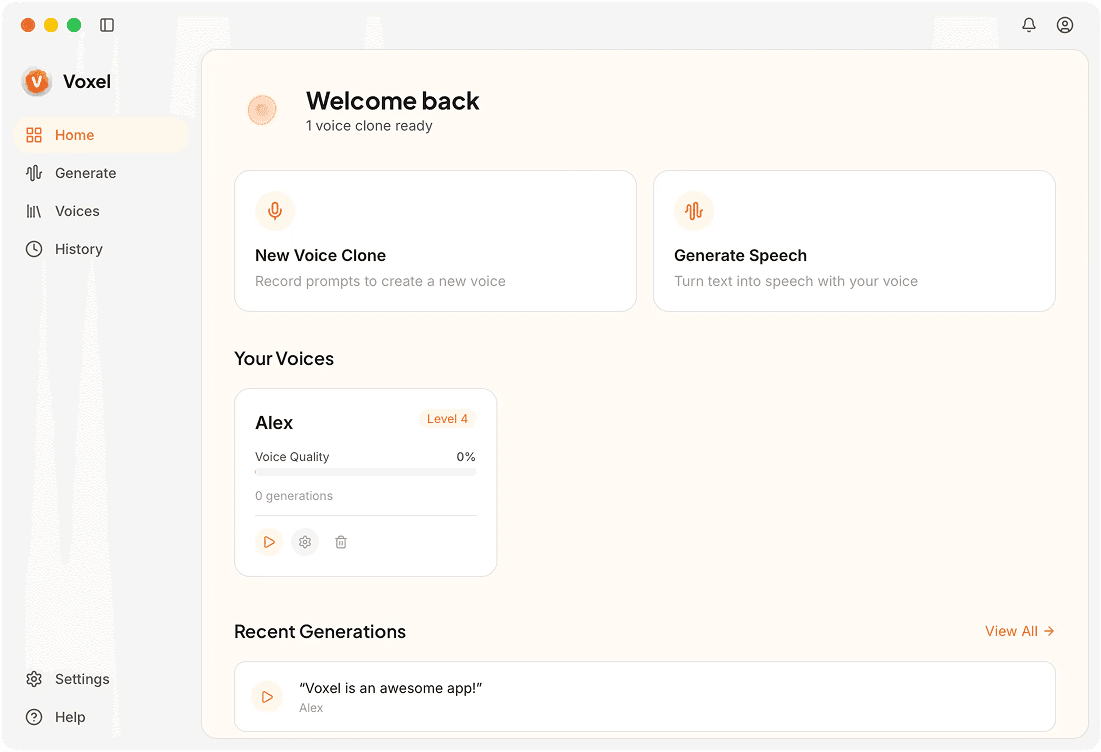
From Text to Published Episode
Your Voice, Not a Stock Voice
Unlike generic TTS engines, this uses a model of your actual voice. Your listeners hear you, not a synthetic character.
Repurpose Written Content
Turn blog posts, newsletters, and articles into audio episodes. Paste the text, generate audio, and publish a new episode from content you've already written.
Fine-Tune Delivery
Adjust speed and insert pauses at key points so the output sounds like a considered reading, not a flat text dump.
Export for Any Podcast Host
Generate MP3 or WAV files that upload directly to Anchor, Buzzsprout, Libsyn, Transistor, or any hosting platform.
Why Podcasters Use Voxel for TTS
Double Your Output Without Doubling Your Time
A 1,500-word blog post becomes a podcast episode in minutes. Repurpose what you've already written and give your listeners more to enjoy.
Maintain Audience Connection
Because the TTS output uses your own cloned voice, listeners still feel the personal connection they expect from your show.
Privacy-First Workflow
Your scripts and voice model stay on your Mac. No third-party service reads your content or stores your voice data.
Frequently Asked Questions
Turn Your Words Into Podcast Episodes
Convert scripts to audio with your own cloned voice — no microphone needed, no subscriptions.
Try Voxel