Voice Cloning With No Internet — Just Your Mac and Your Voice
Voxel was built offline-first from day one. Recording, model training, and speech generation all run on your Mac's local hardware — nothing to stream, nothing to sync.

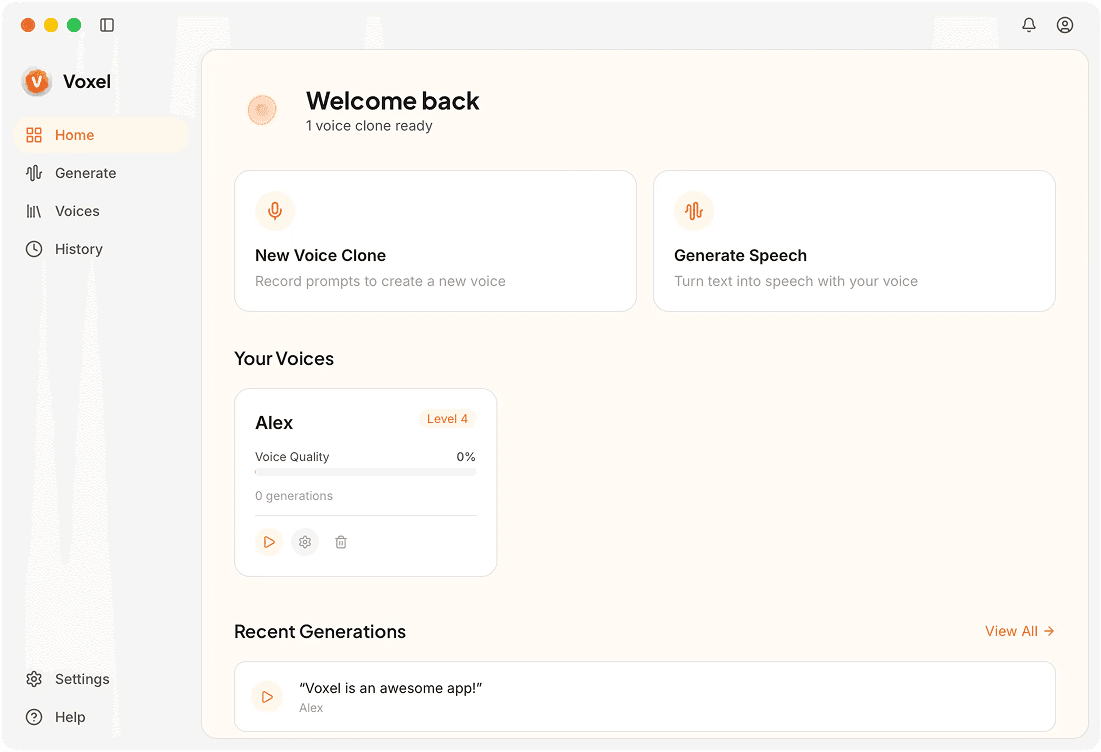
How Voxel Works Without Internet
Self-Contained Installation
Everything ships with the installer: AI models, the synthesis engine, and the training pipeline. No post-install downloads required.
No License Server
Voxel Pro validates your license locally. No phone-home check, so the app works in air-gapped environments and on machines that never connect to the internet.
Offline Model Training
Feed in a voice sample and a model trains using your Mac's GPU. The entire training process completes without any network activity.
Offline Audio Export
Generated audio files are saved directly to your disk. No upload step, no cloud backup, no waiting for a server to confirm the save.
When No-Internet Voice Cloning Matters
Air-Gapped Workstations
Security-focused environments sometimes prohibit internet access entirely. Voxel works on these machines without modification or special configuration.
Unreliable Connections
Rural areas, developing regions, and mobile setups often have spotty internet. That variable is completely removed from your audio production pipeline.
Travel and Field Work
Journalists, researchers, and content creators working in the field can produce voice content from a laptop without hunting for a Wi-Fi hotspot.
Frequently Asked Questions
No Wi-Fi? No Problem.
Voxel gives you full voice cloning capabilities without ever needing an internet connection.
Download Voxel Free