A Voice Cloning App for Mac That Never Leaves Your Laptop
Voxel processes everything on-device using Apple Silicon. Record a sample, train a model, and generate speech in your own voice — no cloud uploads, no internet needed.

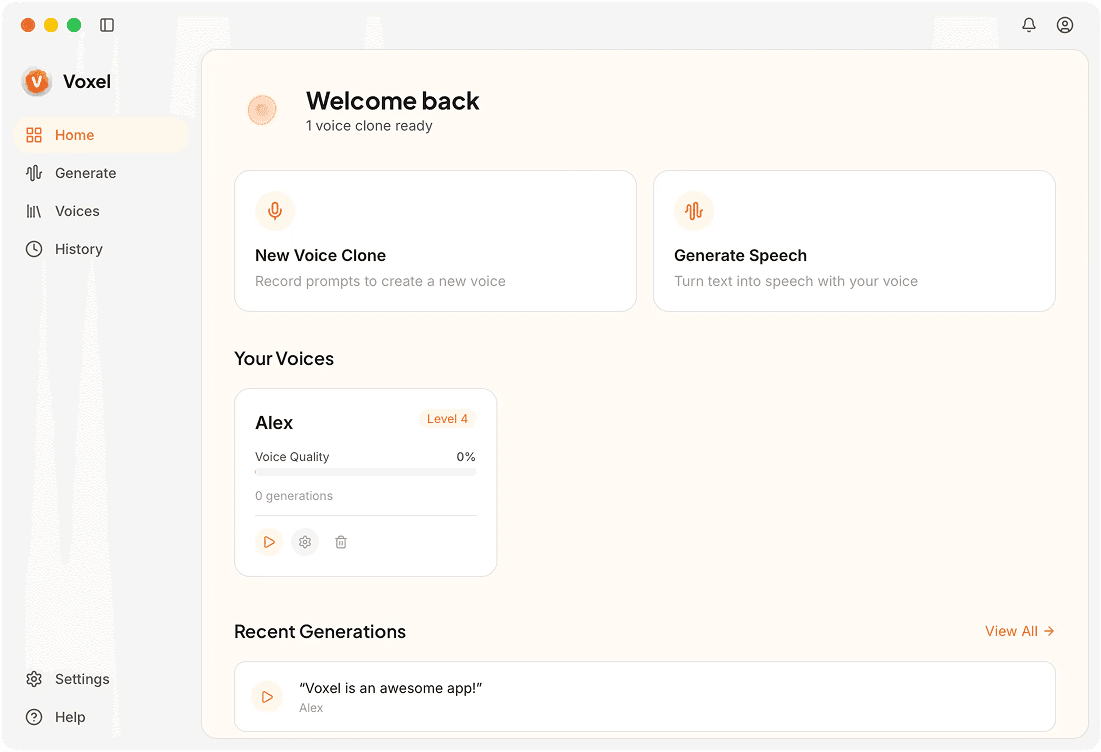
How Voice Cloning Works on Mac
Record or Import a Voice Sample
Use the built-in recorder or drag in an existing audio file. Roughly 60 seconds of clear speech is enough to build a high-quality voice profile.
On-Device Model Training
Training happens locally using your Mac's GPU. No data is uploaded anywhere. Most models finish within a few minutes on M1 chips or newer.
Type and Generate Speech
Enter any text and hear it rendered in the cloned voice. You can adjust pacing, pitch, and emphasis before exporting the final audio file.
Export in Multiple Formats
Save output as WAV, MP3, or AIFF. Your files are ready for podcasts, voiceovers, or any creative project that needs consistent narration.
Why Mac Users Pick Voxel for Voice Cloning
No Subscription Fees
Pay once for Voxel Pro at $49 and own it forever. No monthly charges, no per-minute billing, and no usage caps on generated audio.
Optimized for Apple Silicon
M-series chips are put to full use here — fast training and real-time inference without draining your battery.
Complete Data Privacy
Your voice data never touches a server. Every recording, model, and generated clip stays on your Mac under your control.
Frequently Asked Questions
Clone Your Voice on Mac Today
Download Voxel and create a voice clone in minutes — free tier included, no account required.
Download Voxel Free