A Text to Speech Mac App That Sounds Like You
Clone your own voice and use it for TTS. Type or paste any text and hear it spoken in a voice your audience already recognizes — all processed locally on your Mac.

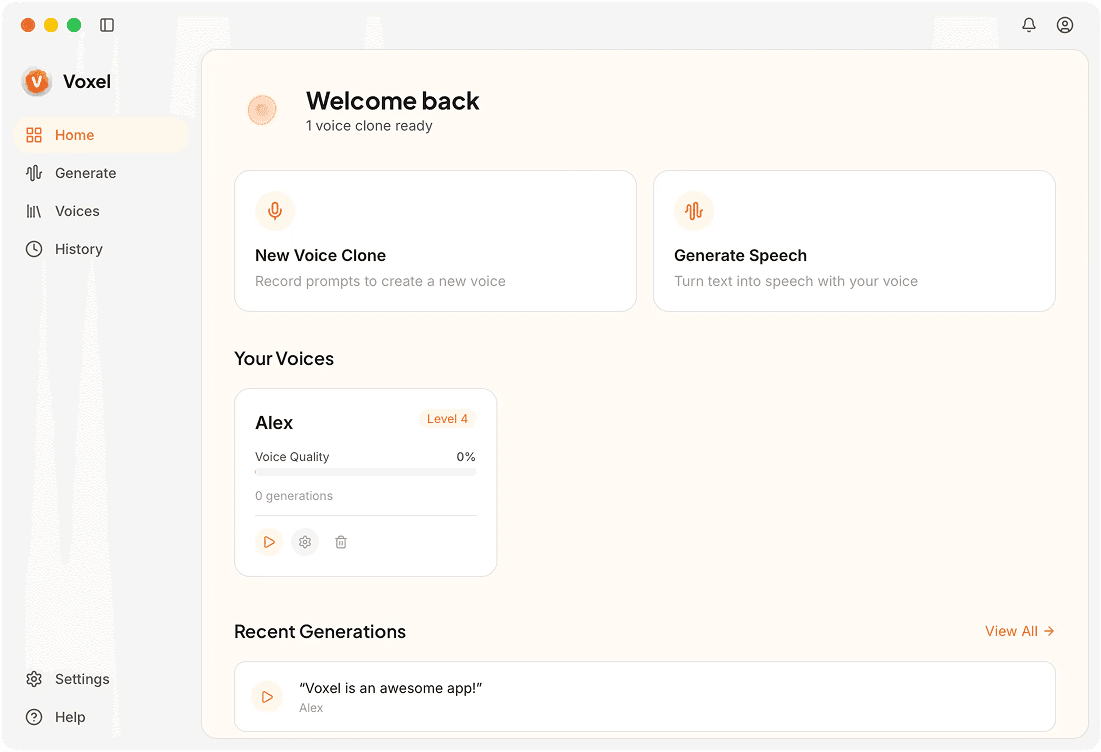
Text to Speech Features in Voxel
Custom Voice TTS
Unlike standard TTS engines that offer a handful of preset voices, you can generate speech in a clone of your actual voice. The output reflects your speaking patterns.
Long-Form Document Support
Paste entire articles, chapters, or scripts. Long text is handled by breaking it into segments and generating continuous audio with natural transitions.
SSML-Style Controls
Add pauses, emphasis, and pronunciation hints using simple markup in your text. Fine-grained control over how the speech sounds, right from the script.
Quick Preview Mode
Highlight a sentence and press a shortcut to hear it immediately. Useful for proofreading scripts by ear before generating the full file.
Why Use Voxel for Text to Speech
Personal Branding With Your Voice
Creators, educators, and businesses can produce audio content that sounds like them — no recording booth required for every piece of content.
Faster Content Production
Writing is usually faster than speaking and editing. Write your script, generate the audio, and publish — cutting production time significantly.
Accessible Content Creation
Convert written material into audio for listeners who prefer or need spoken content. Creating audio versions of blog posts, newsletters, and documentation takes minutes.
Frequently Asked Questions
Turn Your Text Into Your Voice
Voxel makes text to speech personal. Clone your voice and generate audio from any text.
Try Voxel Free