Private Voice Cloning Where Your Audio Stays Yours
Keep your biometric voice data off someone else's servers. Voxel processes, trains, and generates everything on your Mac — not a single byte leaves your device.

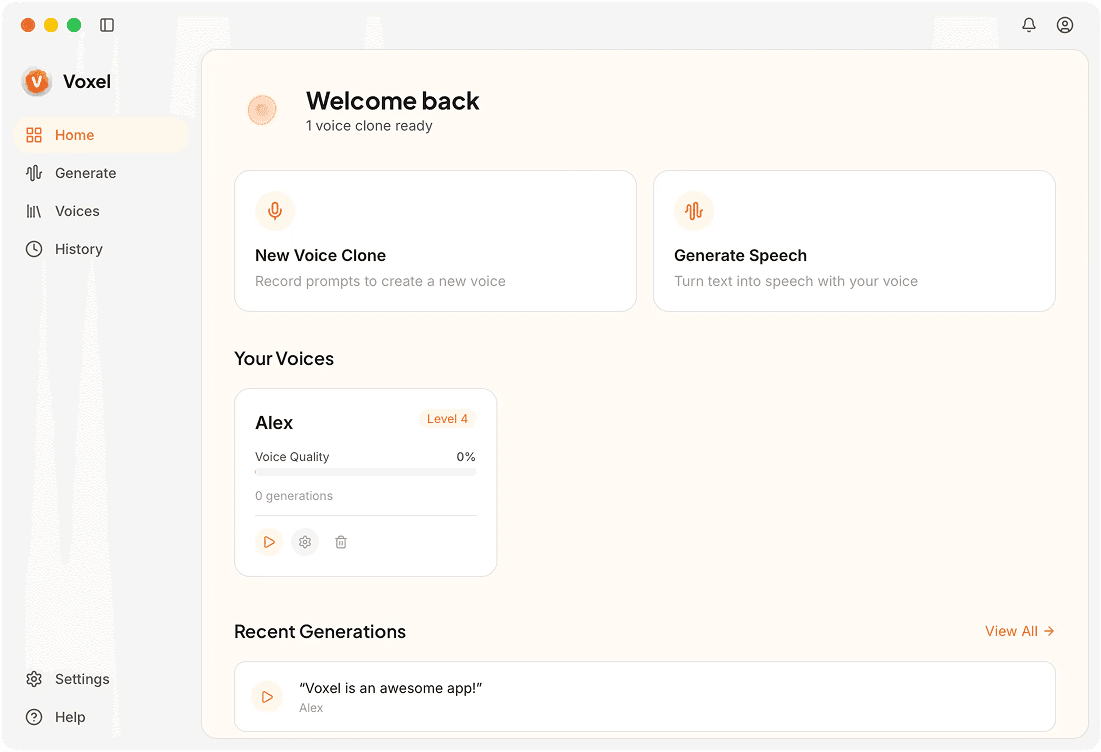
How Voxel Keeps Voice Cloning Private
No Data Transmission
There's no networking code for audio uploads baked into the app. It physically can't send your recordings anywhere because that functionality doesn't exist in the software.
No User Accounts
You don't create a profile, enter an email, or authenticate with a service. The app works out of the box with zero personal information collected.
Local-Only Storage
Voice models and generated files are saved to a folder on your Mac. You can encrypt that folder with FileVault for an additional layer of protection.
No Telemetry or Analytics
Usage patterns, feature engagement, and crash reports aren't tracked unless you explicitly opt in. The default is full privacy.
Who Needs Private Voice Cloning
Voice Actors Protecting Their Likeness
Professional voice actors can create clones of their own voice for client demos without risking their vocal identity on a cloud platform with opaque data policies.
Businesses With Compliance Requirements
Organizations handling sensitive content — legal, medical, financial — can use on-device cloning without triggering data residency or third-party processing concerns.
Anyone Who Values Digital Privacy
Your voice is uniquely identifying. Keeping it off external servers is a practical step toward controlling your personal data footprint.
Frequently Asked Questions
Your Voice, Your Control
Voxel keeps voice cloning entirely on your Mac. No cloud, no compromises.
Download Voxel Free