Offline Text to Speech on Mac That Works Everywhere You Do
Voxel converts text into spoken audio entirely on your hardware — airplane mode, remote cabin, internet outage, doesn't matter. No server dependency, no waiting.

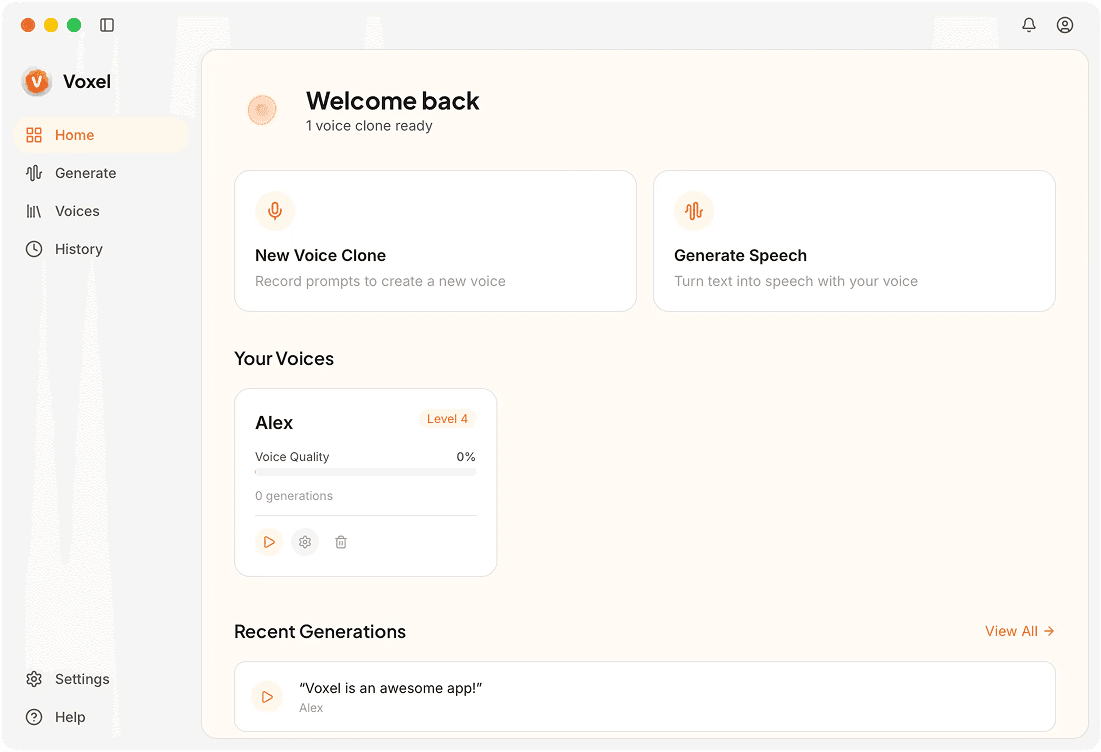
How Offline Text to Speech Works in Voxel
Fully Embedded Models
The speech synthesis engine ships with the app. After installation, no additional downloads are needed to start converting text to audio.
Instant Playback
Hit generate and hear the result immediately. Audio renders in near real time, so you can preview and adjust without waiting.
Custom Voice or Default Voices
Use a cloned version of your own voice or choose from built-in voices. Both options run offline with identical speed and quality.
Drag-and-Drop Text Import
Drop a .txt or .md file directly into the app. The content is parsed and queued for generation, saving you from manual copy-paste.
Why Offline TTS Matters for Your Work
No Latency Surprises
Cloud TTS speed depends on your connection and the provider's server load. Offline generation runs at the same speed every time because it only depends on your Mac's hardware.
Works During Travel
Flights, trains, and remote cabins don't have reliable internet. You can produce voiceovers and narration from anywhere without worrying about connectivity.
Sensitive Content Stays Private
If your text contains confidential scripts, business plans, or personal writing, offline TTS ensures none of it passes through an external API.
Frequently Asked Questions
Text to Speech Without the Internet
Install Voxel once and generate voice audio anywhere, anytime, no connection needed.
Download Voxel Free