Make AI Voices on Your Desktop Without Sharing Your Data
No tabs, no uploads, no third-party terms. Voxel is a standalone macOS app for voice cloning, TTS, and audio export — everything runs on your Mac's hardware.

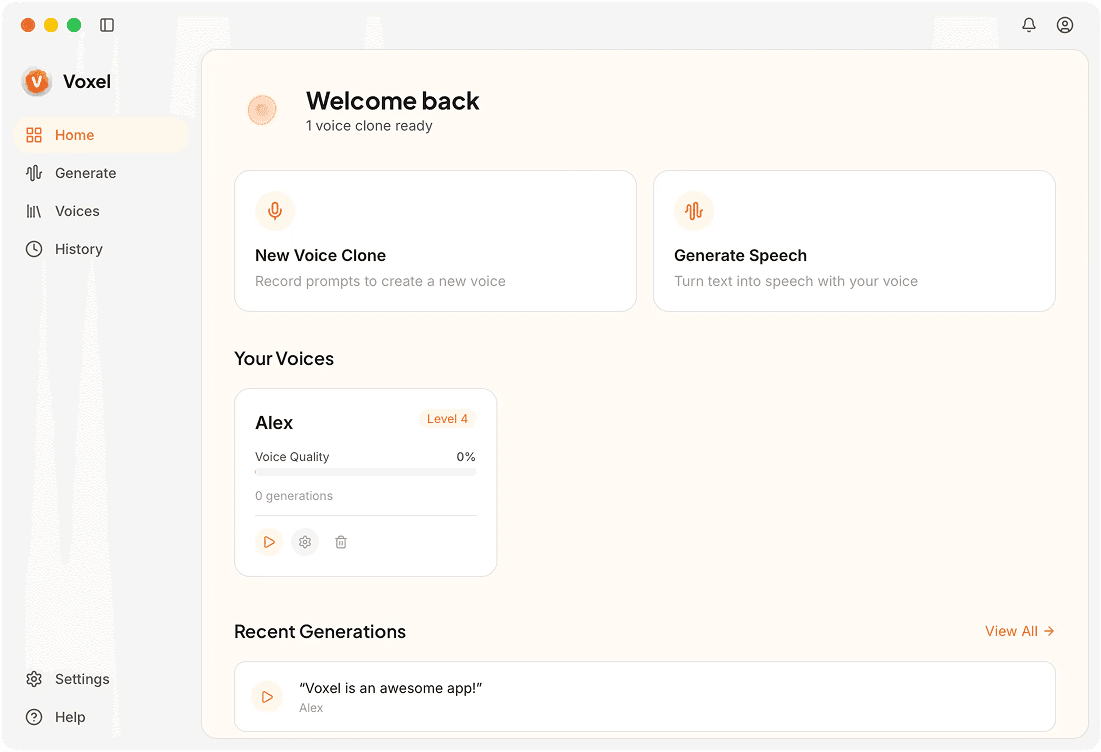
Voice Making Tools in Voxel
Voice Cloning Studio
The cloning interface walks you through recording a sample, reviewing its quality, and initiating training. Clear feedback at each step helps ensure a high-quality clone.
Text Editor With Audio Preview
Write and edit scripts in the built-in text area. Select any section and preview it instantly to hear how the generated speech will sound before exporting.
Project Organization
Group related scripts, voice models, and audio exports into projects. Keeps your files organized when you're working on multiple content series simultaneously.
Audio Trimming
Trim silence or unwanted sections from generated audio directly in the app. Basic editing capabilities mean you don't always need to open a separate audio editor.
Why Desktop Voice Making Beats Cloud Tools
Dedicated Interface
A desktop app gives you a persistent workspace. Your projects, models, and settings are always there when you open the app — no logging in, no loading a dashboard.
Faster Turnaround
No upload wait, no queue position, no server processing delay. Type, generate, and export without any step that depends on network speed or service availability.
Ownership of Everything
You own the app, the models, and the output. Nothing is hosted on a service that could change its terms, raise prices, or shut down.
Frequently Asked Questions
Your Desktop Voice Studio
Voxel gives you a complete AI voice making toolkit right on your Mac.
Download Voxel Free