Turn Text Into Your Own Voice With an AI Voice Generator for Mac
Voxel clones your voice from a short sample and converts any text into spoken audio that sounds like you. Runs entirely on your Mac — no servers, no cloud dependencies.

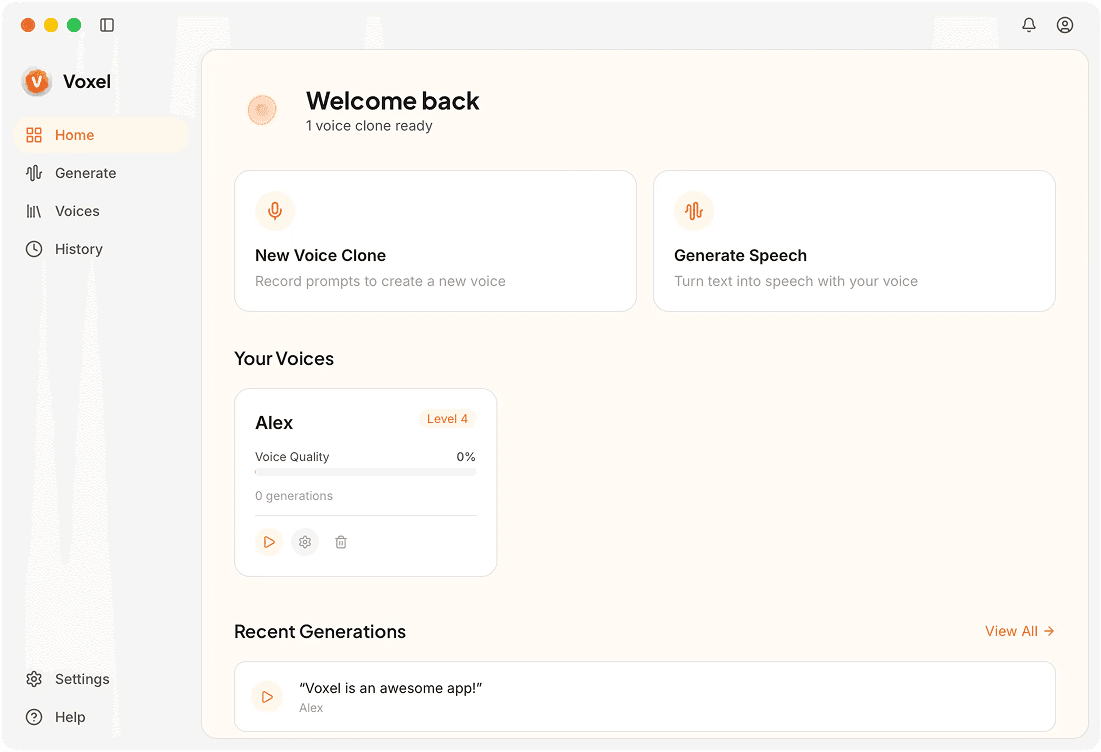
Inside Voxel's AI Voice Generation
Neural Voice Modeling
A compact neural network trains on your voice sample, capturing tone, cadence, and pronunciation patterns unique to the way you speak.
Natural Prosody
Generated speech includes pauses, emphasis, and intonation that follow the structure of the input text. The output sounds conversational, not robotic.
Adjustable Speech Parameters
Tweak speaking rate, pitch range, and breath spacing. These controls let you match the generated audio to different contexts — narration, tutorials, or dialogue.
Batch Generation
Paste multiple paragraphs and generate them all at once. Each segment is queued and exported as a combined file or individual clips, your call.
Advantages of AI Voice Generation on Mac
Save Hours on Voiceovers
Instead of re-recording every script change, type the updated text and regenerate the audio in seconds. Iteration becomes almost instant.
Maintain a Consistent Voice
Use the same voice model across all your content. Whether it's a YouTube series or an audiobook, your audience hears the same voice every time.
No Ongoing Costs
Most cloud AI voice tools charge per character or per minute. Voxel costs $49 once and lets you generate unlimited audio from that point forward.
Frequently Asked Questions
Generate AI Voice on Your Mac
Type, generate, export. Voxel makes AI voice creation simple and private.
Try Voxel Free