vs
Voxel vs Murf AI: Two Approaches to Voice
Murf AI gives you 120+ pre-built voices starting at $26/mo. Voxel trains custom clones of your voice on your Mac for $49 one-time — fully local and private.

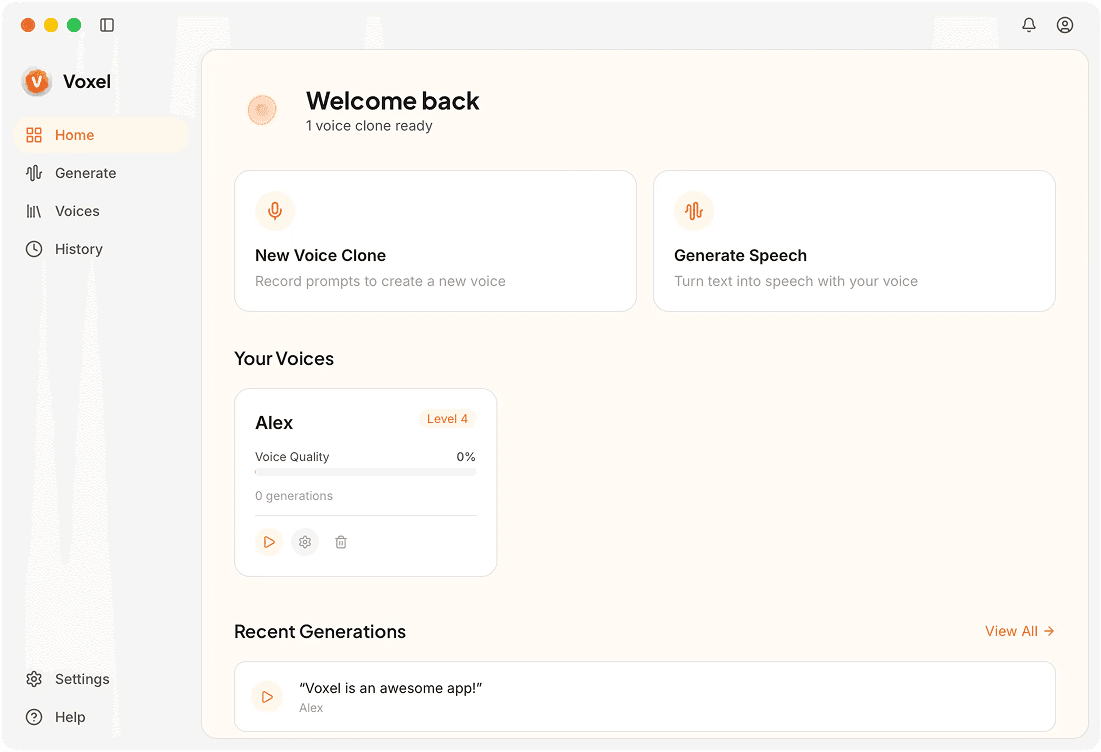
Voxel vs Murf AI: Feature Breakdown
| Feature | Voxel | Murf AI |
|---|---|---|
| Approach | Custom voice cloning | Pre-built voice library |
| Processing | Local, on your Mac | Cloud-based |
| Pricing | $49 one-time | $26–$166/mo |
| Voices Available | Train your own | 120+ pre-built |
| Team Features | Single-user app | Team collaboration tools |
| Privacy | Audio stays on-device | Cloud processing |
| Offline | Full offline capability | Requires internet |
| Platform | macOS only | Web-based, any platform |
Where Voxel Excels
Custom Clones Over Generic Voices
Murf AI gives you 120+ pre-built voices. Voxel lets you train a voice that sounds like you (or any voice you have rights to use).
Save on Long-Term Costs
Even Murf AI's Creator plan at $26/mo adds up to $312/yr. Voxel is $49 once — use it for years, pay nothing more.
Full Data Privacy
Your audio files and trained voice models live on your Mac only. No cloud storage or third-party access.
Choose Voxel if you need:
- ✓Users who need a custom clone of a specific voice
- ✓Privacy-conscious individuals and professionals
- ✓Mac users who prefer a one-time desktop purchase
- ✓Solo creators who don't need team collaboration tools
Choose Murf AI if you need:
- ✓Teams that need collaboration on voiceover projects
- ✓Enterprise users who want 120+ professional voices ready to go
- ✓Cross-platform teams on Windows and web
- ✓Users who prefer picking from a voice catalog over training
Frequently Asked Questions
Custom Voice Cloning on Your Mac
Train a voice that sounds like you — right on your Mac. Download Voxel and try the free tier.
Download Voxel Free