Offline
Offline Voice Cloning That Goes Where You Go
ElevenLabs, Play.ht, Murf AI — they all need internet. Voxel runs entirely offline on macOS. Train models and generate speech on a plane, at a cabin, anywhere.

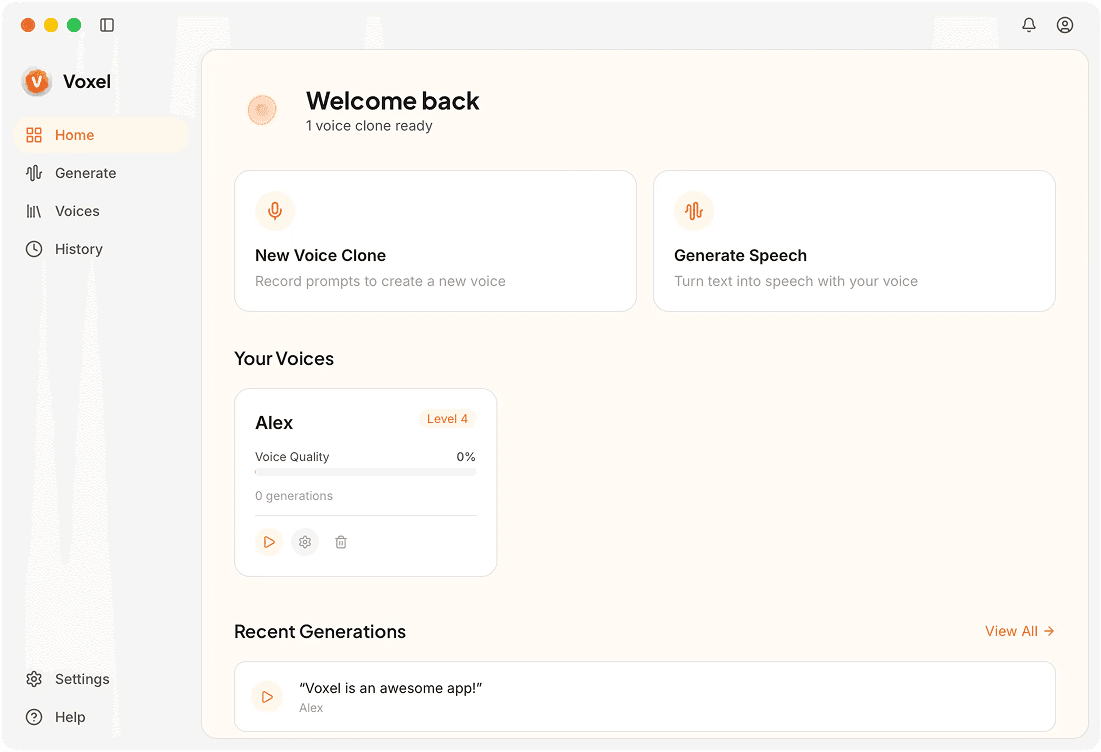
Offline vs Online Voice Cloning
| Feature | Voxel | Cloud Services |
|---|---|---|
| Internet Required | Never | Always |
| Works in Airplane Mode | Yes | No |
| Remote Location Use | Full functionality | No access without connection |
| Processing | Your Mac's hardware | Cloud servers |
| Pricing | $49 one-time | Monthly subscriptions |
| Service Uptime | 100% — it's your hardware | Subject to provider uptime |
| Data Privacy | Complete — nothing transmitted | Depends on provider |
Why Offline Voice Cloning Matters
Work From Anywhere
On a flight, at a cabin, on a commute — Voxel works wherever your Mac goes, no WiFi needed.
Zero Service Dependency
Cloud services have outages, rate limits, and can be discontinued. Your local tool doesn't have any of those risks.
Inherent Privacy
Offline means your audio physically can't be transmitted. There's no stronger privacy guarantee than that.
Choose Voxel if you need:
- ✓Creators who frequently work without reliable internet
- ✓Travelers who need voice tools on the go
- ✓Users in areas with limited or expensive connectivity
- ✓Anyone who wants voice cloning that never depends on a server
Choose Cloud Services if you need:
- ✓Users with reliable high-speed internet at all times
- ✓Teams that need cloud collaboration and shared projects
- ✓Developers building online products with voice API integration
Frequently Asked Questions
Take Voice Cloning Offline
No internet, no problem. Download Voxel and clone voices anywhere your Mac goes.
Download Voxel Free