Local Processing
ElevenLabs Alternative That Runs Locally
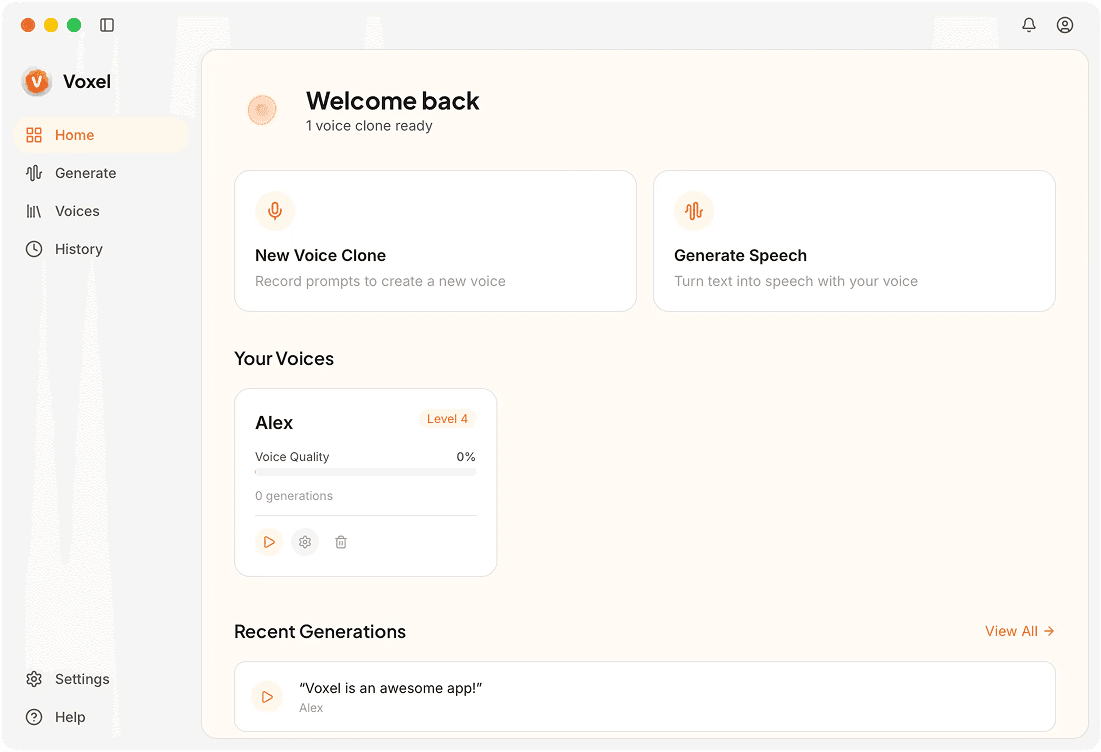
With ElevenLabs, every voice sample travels to their servers. Voxel keeps it all on your Mac — voice cloning runs on-device using your own hardware, no uploads required.

Local vs Cloud: How They Compare
| Feature | Voxel | ElevenLabs |
|---|---|---|
| Processing Location | Your Mac's CPU/GPU | ElevenLabs cloud servers |
| Data Handling | Files stay on your disk | Audio uploaded for processing |
| Internet Required | No | Yes, always |
| Latency | Depends on local hardware | Depends on network + server load |
| Pricing | $49 one-time | $5–$330/mo |
| Languages | 10 languages | 29+ languages |
| Scalability | Single-user desktop app | API with high throughput |
Why Local Processing Matters
Zero Network Dependency
Your workflow won't break when WiFi drops. Voxel runs the same whether you're online or in airplane mode.
No Third-Party Data Access
When audio stays on your Mac, there's no server-side storage to worry about, no data retention policies to read, and no breach risk from a cloud provider.
Predictable Performance
Local processing means no queuing behind other users. Your generation speed depends only on your hardware.
Choose Voxel if you need:
- ✓Anyone who needs voice cloning without internet access
- ✓Users who want to avoid uploading audio to external servers
- ✓Mac users who prefer native desktop tools
- ✓People who want a one-time purchase over ongoing fees
Choose ElevenLabs if you need:
- ✓Developers integrating voice into web or mobile apps via API
- ✓Teams that need massive parallel voice generation
- ✓Projects requiring 29+ languages
- ✓Users who want instant voices without a training step
Frequently Asked Questions
Clone Voices Locally on Your Mac
No uploads, no subscriptions. Download Voxel and process everything on-device.
Download Voxel Free